Table of Contents
Many jobs require hours of computer use, and prolonged screen time can leave your eyes feeling tired, dry, or irritated. These symptoms may become more noticeable when you wear contact lenses because staring at a screen often reduces how frequently you blink.
Choosing the best contacts for dry eyes may help you find materials and moisture technologies better suited to long screen-heavy days. This guide explains why computer use can affect lens comfort and which features may help your eyes feel more comfortable throughout the day.
Why Computer Use Can Get Tough for Contact Lens Wearers
Long-screen days can significantly affect lens wearers because they change how the eyes behave throughout the day.
Looking at screens reduces blinking. The eyes produce fewer tears, reducing moisture distribution across the lens surface. Since contact lenses sit on the tear film, they dry out fast.
Prolonged screen exposure also disrupts the tear film. This layer helps with comfort and clear vision, and the discomfort ruins that.
Environmental factors affect lenses as well. Air-conditioned offices and low humidity can accelerate the dehydration of the contacts and the evaporation of tears.
What Makes Contacts Good for Computer Use?
For lens wearers, contacts are good for computer use for the following reasons:
High Oxygen Permeability
Contact lenses with this feature keep eyes healthy and hydrated for a long time. This helps with the “dry eye” syndrome associated with heavy screen exposure.
Moisture-Retaining Capabilities
Modern contact lenses use advanced moisture-locking technology to combat dry eye and keep them comfortable.
Reduced Peripheral Distortion
Contact lenses give wearers a neutral and consistent vision of their surroundings.
Extended Comfort
Contacts don’t slide down the nose and don’t fog up. They don’t have the common distractions associated with wearing glasses.
Optional Blue-Light Filtering
Some contacts contain specialized tints or materials that filter high-energy blue light, which helps minimize eye strain and screen-related headaches.
What to Consider When Buying Contact Lenses for Computer Use
Don’t buy lenses on a whim. You’ll be wearing them a lot, and you don’t want to run into problems that could’ve been avoided.
These are the top factors to consider when shopping for a pair:
Material
Contacts made from silicone hydrogel are recommended. They let more oxygen in, easing discomfort.
Fit and Stability
Ill-fitting lenses make the eyes work harder. This leads to headaches, blurry vision, and a gritty feeling.
Hydration/Moisture Levels
Look for contacts built for hydration and high oxygen permeability. Since you’ll be staring at screens all day, you need a pair that doesn’t dry out.
Types of Contact Lenses for Computer Use
The best contact lenses for computer use come in different types:
Daily Disposables
This type is a convenient option. Since they’re for one-time usage, wearers don’t have to worry about storage and cleaning. Daily disposables guarantee freshness and prevent protein buildup.
Multifocals
Got presbyopia? Multifocals may be the best fit for your eyes. They provide clear vision at intermediate distances, which is great for computer work. Shifting from screens to documents will be less taxing.
Aspherical Lenses
This last type is best for wearers who need a pair for only one focal distance. Asphericals are designed to help with shifting between digital screens and distance, keeping eye fatigue down.
The Best Contact Lenses for Computer Use, Compared
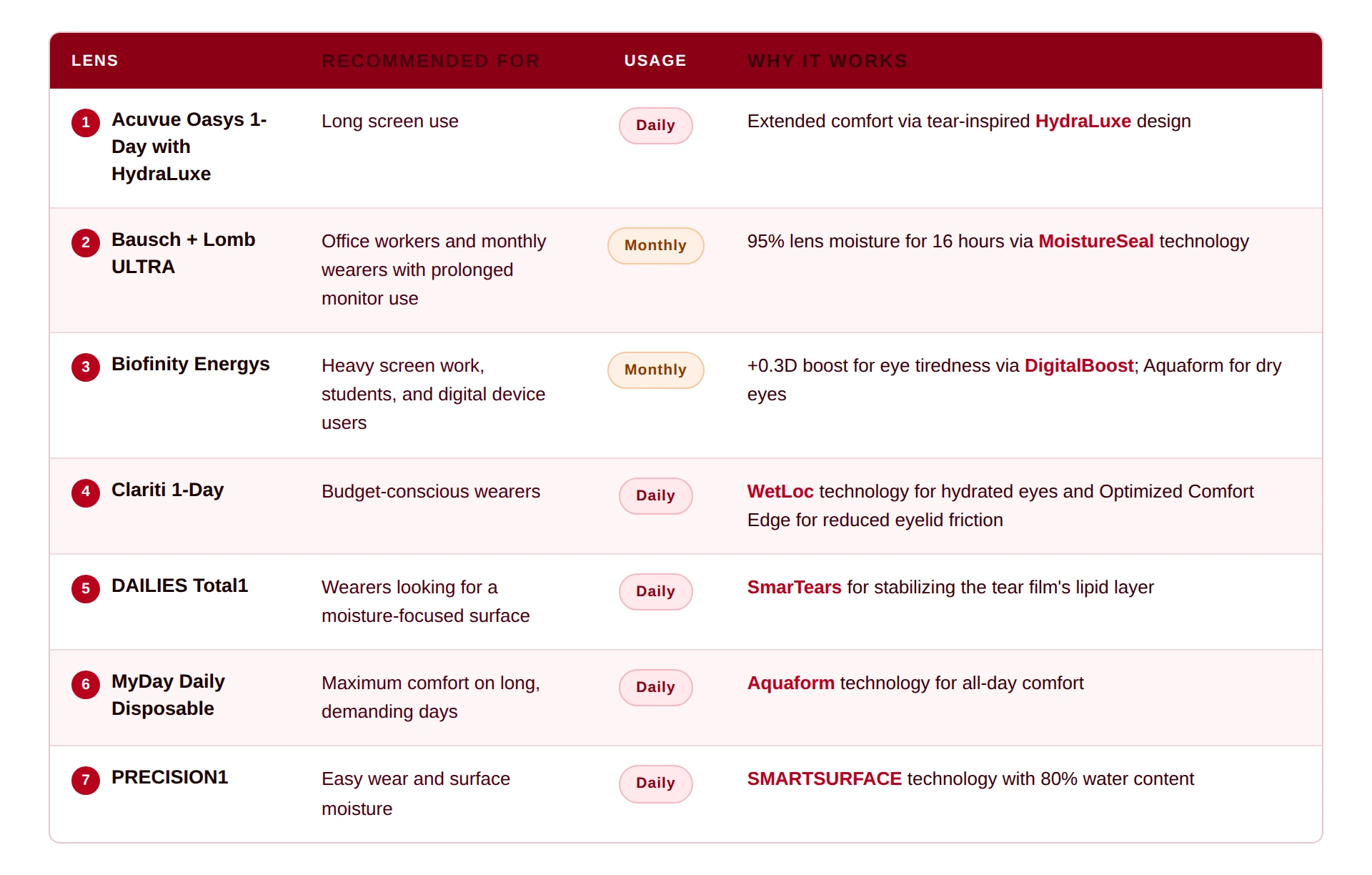
Before getting to the specifics, here’s a quick look at our picks.
Daily and Monthly Lenses for Computer Use
The best contacts for computer use aren’t always the same for every wearer. People have different prescriptions and needs.
It’s why this list has daily and monthly choices. Take your pick from these pairs:
1. Acuvue Oasys 1 Day with HydraLuxe
Looking at spreadsheets, emails, and video calls can take a lot out of the eyes. Oasys’s HydraLuxe ensures they stay comfortable and moisturized because it mimics the natural properties of tears.
This one is a good first choice because of its convenient nature. Wearers can just replace them after use.
2. Bausch + Lomb ULTRA
Humans normally blink around 15 times per minute. This is cut in half when there’s prolonged screen exposure or near-work activities like reading.
Bausch + Lomb’s ULTRA line addresses that strain with its MoistureSeal technology, which retains 95% of moisture for up to 16 hours. This keeps the blink rate up and makes working more comfortable.
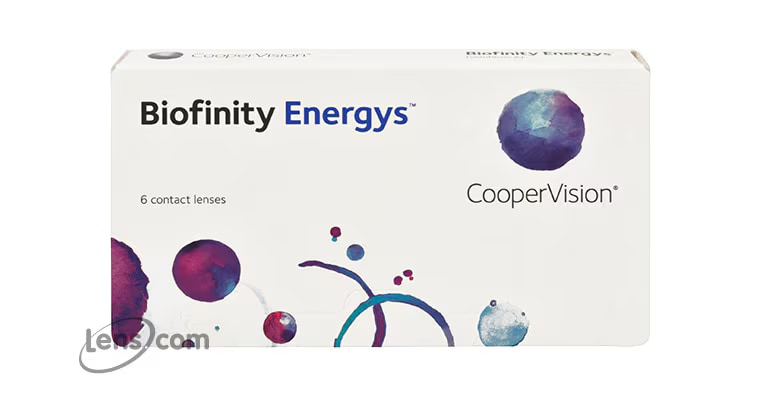
3. Biofinity Energys
For heavy digital device use, this lens is the way to go.
Energys’s Digital Zone Optics is specifically designed to stimulate the positive power in the lens’s center. This reduces the effort the eyes need to shift focus from on-screen to off-screen activities.
Its Aquaform technology is also powerful. It locks in water, keeping dryness at bay.
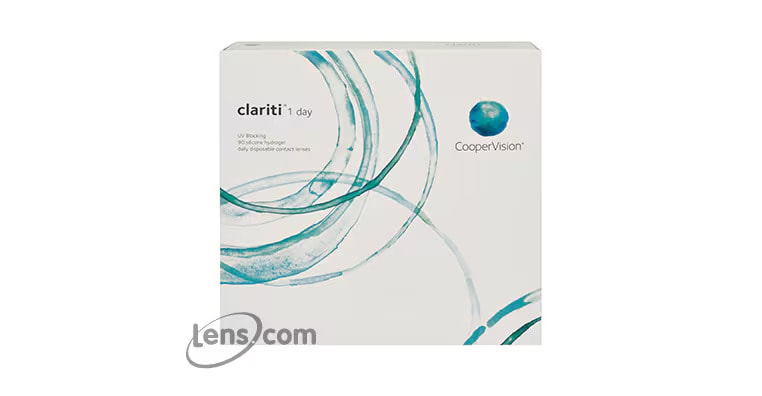
4. Clariti 1-Day
Looking for a budget-friendly option? The Clariti 1-Day line is your best bet. It’s available in sphere (nearsighted/farsighted), multifocal, and toric (astigmatism) options.
Many users want comfort at pocket-friendly prices. This lens gives them that, making no sacrifices to its form and function. Its WetLoc technology keeps moisture locked all day. The pair’s Optimized Comfort Edge keeps eyelid friction to a minimum, keeping the contacts comfortable throughout use.
5. DAILIES Total1
Contact lenses don’t always feel the same throughout the day. You may feel comfortable in the morning, but the afternoon may make you want to take them off.
DAILIES Total1’s water gradient technology gives wearers moisture by containing nearly 100% water at its surface. Think of it as a cushion between the lens and eye.
Its SmarTears technology releases an ingredient found in natural tears. This keeps the tear film’s lipid layer stable, reducing end-of-day dryness.
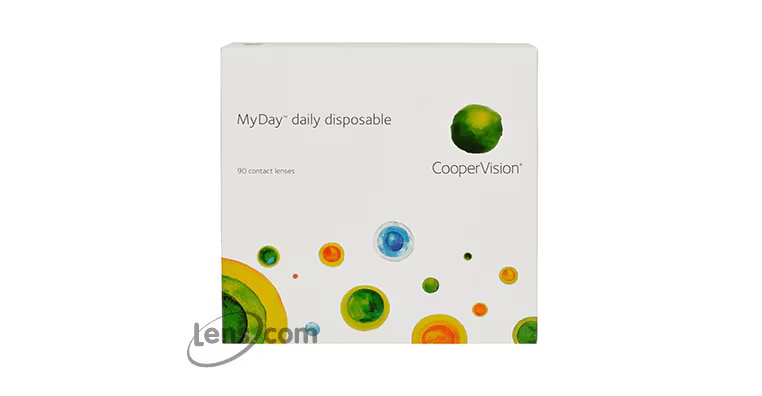
6. MyDay Daily Disposable
Feeling screen fatigue? The MyDay Daily Disposable line is here to help.
Its DigitalBoost technology gives wearers a +0.3D power boost. This eases that fatigue, lessening eye strain. The Smart Silicone and Aquaform technologies combine, giving the contacts high oxygen permeability and moisture retention, respectively.
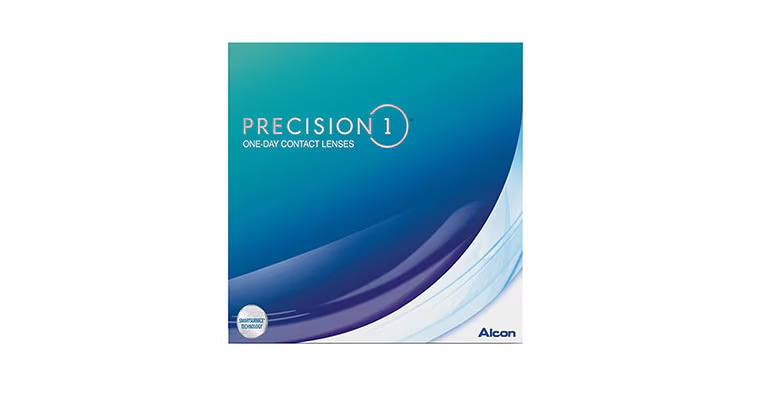
7. PRECISION1
Contact lens wearers with digital lifestyles need a pair that keeps up with them. PRECISION1 does the job.
The lens’s SMARTSURFACE technology holds over 80% water. This keeps them hydrated for up to 16 hours. And because of that generous moisture retention, vision remains stable. It also has Class 1 UV blocking, protecting the eyes from high UV radiation.
Daily vs. Monthly Contacts for Computer Use
The good news is that both options work. The “better” choice is subjective. Why? The answer depends on your prescription, replacement schedule, comfort, and care habits.
Here’s a quick comparison to help you decide which option fits you best.
Can Contacts Help With Computer Eye Strain?
The short answer is yes.
Contact lenses can help wearers deal with eye strain. Silicone hydrogel lenses, in particular, have high oxygen permeability, reducing dryness and keeping moisture. Other contacts have blue light filters built into them, improving contrast and easing discomfort, especially in the evenings.
However, contact lenses don’t fix every computer eye strain-related cause or issue. Other factors, such as posture, screen distance, glare, dry air, and reduced blinking, affect the eyes.
How to Make Contact Lenses More Comfortable During Computer Work
Healthy screen habits are still important. Keep your contacts comfy and your eyes healthy with these tips:
Shop the Best Contact Lenses for Computer Use at Lens.com
The “best” depends on your eyes’ needs. Here at Lens.com, you can compare reputable lenses by type, wear schedule, price, and prescription requirement. Check out our available options and find the pair that ticks all your boxes.
Disclaimer: This content is for general informational purposes only and is not a substitute for professional advice, diagnosis, or treatment.
Frequently Asked Questions About Contact Lenses For Computer Use
Yes, you can wear contact lenses while using computers as long as your lenses match your prescription and your eye doctor says they are right for your eyes. If screen time makes your eyes feel dry, blurry, or strained, ask your eye doctor before switching to a different lens.
The best contact lenses for computer use depend on your prescription, eye health, and daily routine. Solid options to compare include Biofinity Energys, ACUVUE OASYS 1-Day with HydraLuxe, DAILIES TOTAL1, MyDay Daily Disposable, Bausch + Lomb ULTRA, Clariti 1-Day, and PRECISION1.
No. Contact lenses do not guarantee protection from digital eye strain. However, the right prescription and lens fit can help support clearer vision and better comfort during long screen sessions.
Yes, you can use your regular prescribed contact lenses for computer work if they feel comfortable and give you clear vision. If you notice frequent dryness, blurry vision, or eye strain during screen use, schedule a visit with your eye doctor.
Some contact lenses have blue light filtering features, but many standard contacts do not. For most computer users, better screen settings, proper lighting, regular breaks, and an updated prescription matter more for day-to-day comfort.
Reference
Digital Devices and Your Eyes. Daniel Porter. (American Academy of Ophthalmology). https://www.aao.org/eye-health/tips-prevention/digital-devices-your-eyes. Date Accessed: May 11 2026.