
You’ve enlarged the spreadsheet twice, blinked through another email, and started leaning toward the monitor. Your eyes feel tired, but there’s still work to finish. If you wear contact lenses, you’re also trying to work out whether the discomfort comes from your lenses, your screen habits, or both.
Eye strain relief starts with identifying what’s bothering your eyes. Dryness calls for a different response than blurry text from an outdated prescription. A few changes to your workday can help, but recurring discomfort deserves more attention than another adjustment to your screen brightness.
What Helps Relieve Eye Strain?
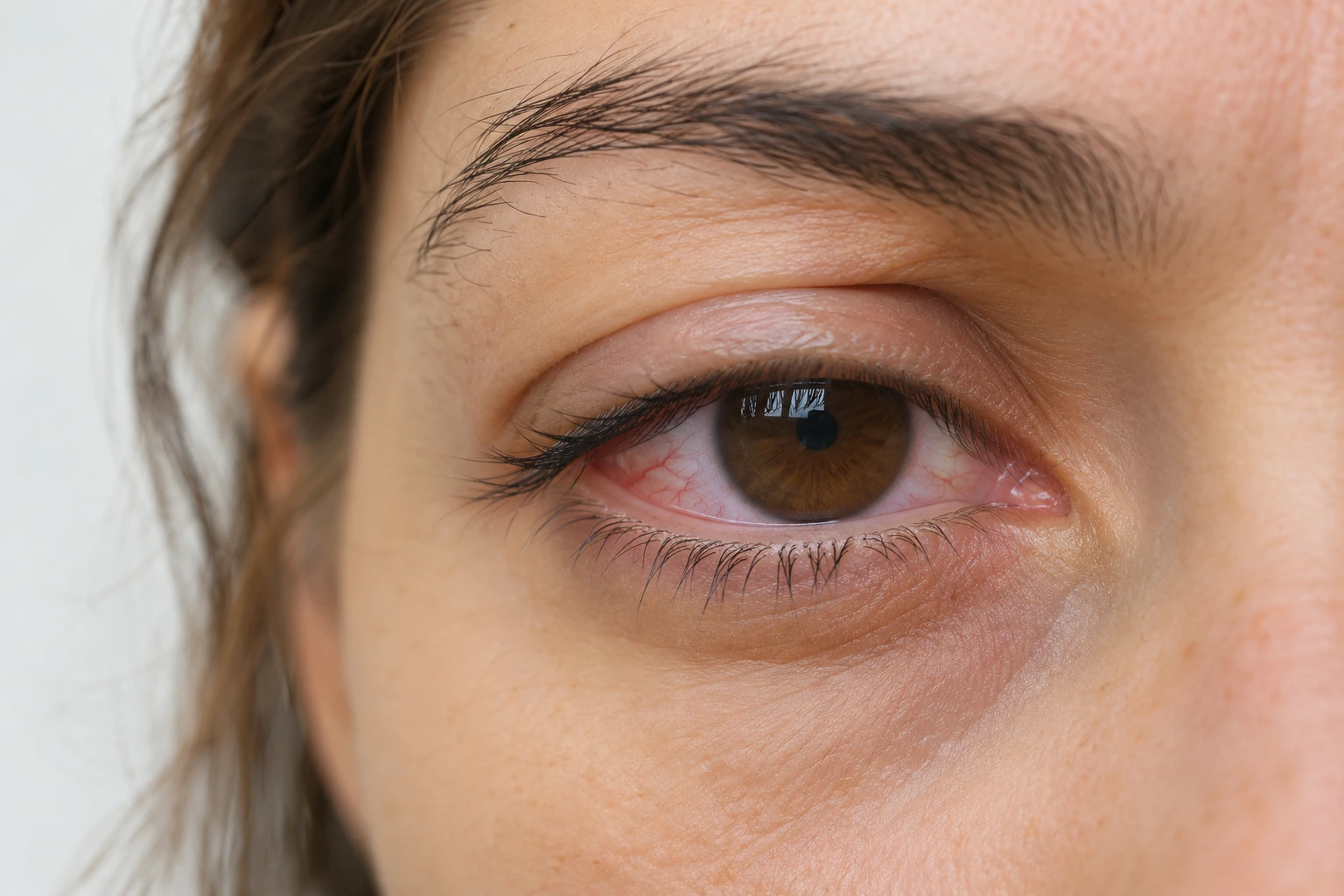
Take a break from close work, blink fully, reduce glare, and address dryness when it contributes to your symptoms. If discomfort keeps returning, have your prescription and eyes checked. Eye strain describes discomfort after prolonged visual effort, including reading, computer work, and driving.
When screens trigger it, the term is digital eye strain. The problem can involve the surface of your eyes, the effort of focusing, or how your eyes work together. That’s why one pair of glasses or one bottle of drops won’t address every cause.
Research also calls for realistic expectations. A Cochrane review covering 17 randomized trials with 619 adults found no clear short-term eye-strain advantage from blue-light-filtering glasses compared with nonfiltering glasses. The evidence had limitations, and the review concerned glasses rather than contact lenses.
Start with changes that match your situation.
| What You Notice | What to Try | What Needs a Closer Look |
|---|---|---|
| Discomfort after uninterrupted close work | Step away and look into the distance | Symptoms that return despite breaks |
| Reflections or text that’s hard to read | Adjust lighting, text size, and monitor position | Persistent blur |
| Dry, gritty, or burning eyes | Address blinking, dry air, and suitable lubricating drops | Repeated dryness or contact lens discomfort |
| Difficulty focusing at your working distance | Arrange a prescription check | Whether you need different correction for that task |
1. Take Regular Breaks From Close Work

Looking away gives you a pause from the task that’s tiring your eyes. Switching from a laptop to your phone keeps you doing close work, so choose something farther away instead.
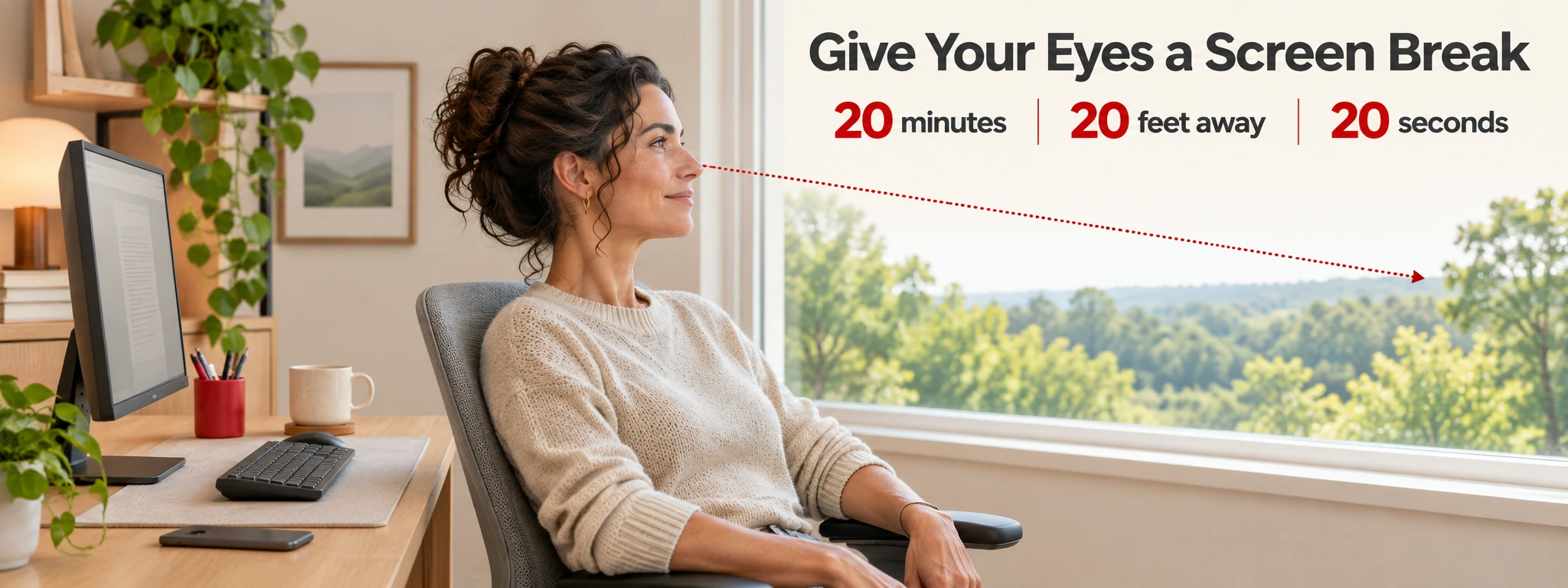
The 20-20-20 rule is a familiar reminder. Every 20 minutes, look at something about 20 feet away for at least 20 seconds. You can use screen-break reminders to interrupt long stretches of concentrated work.
- Set a quiet timer before beginning a long task.
- Look toward a distant object when it goes off.
- Leave the phone alone during the break.
- Take a longer pause when your eyes still feel uncomfortable.
Treat the Timing as a Reminder
Research on the exact schedule is mixed. One study of 29 symptomatic computer users found improvement during two weeks of reminders. A separate study of 30 young participants found no symptom benefit from scheduled 20-second breaks during a 40-minute tablet task.
Those studies tested different situations. Use the rule to build a habit of looking away, without treating its numbers as a proven treatment dose.
2. Blink Fully and Address Dry Air
Concentrating on a screen can change how frequently and completely you blink. A full blink spreads tears across the surface of your eye. Incomplete blinking can leave that surface less evenly covered.
Pause during a task and gently close your eyelids fully, then reopen them. You don’t need to squeeze. Pair the habit with something you already do, such as finishing a page or waiting for a file to open.
Check what’s blowing toward your face, too. A desk fan, car vent, or air-conditioning outlet can make dry eyes more uncomfortable. Redirect the airflow or move your seat. A humidifier is another option in a dry room.
If this pattern keeps returning, learning more about what causes dry eyes can help you describe the problem at your appointment. Mention whether it happens with glasses, contacts, or both.
3. Make Your Screen Easier to Read
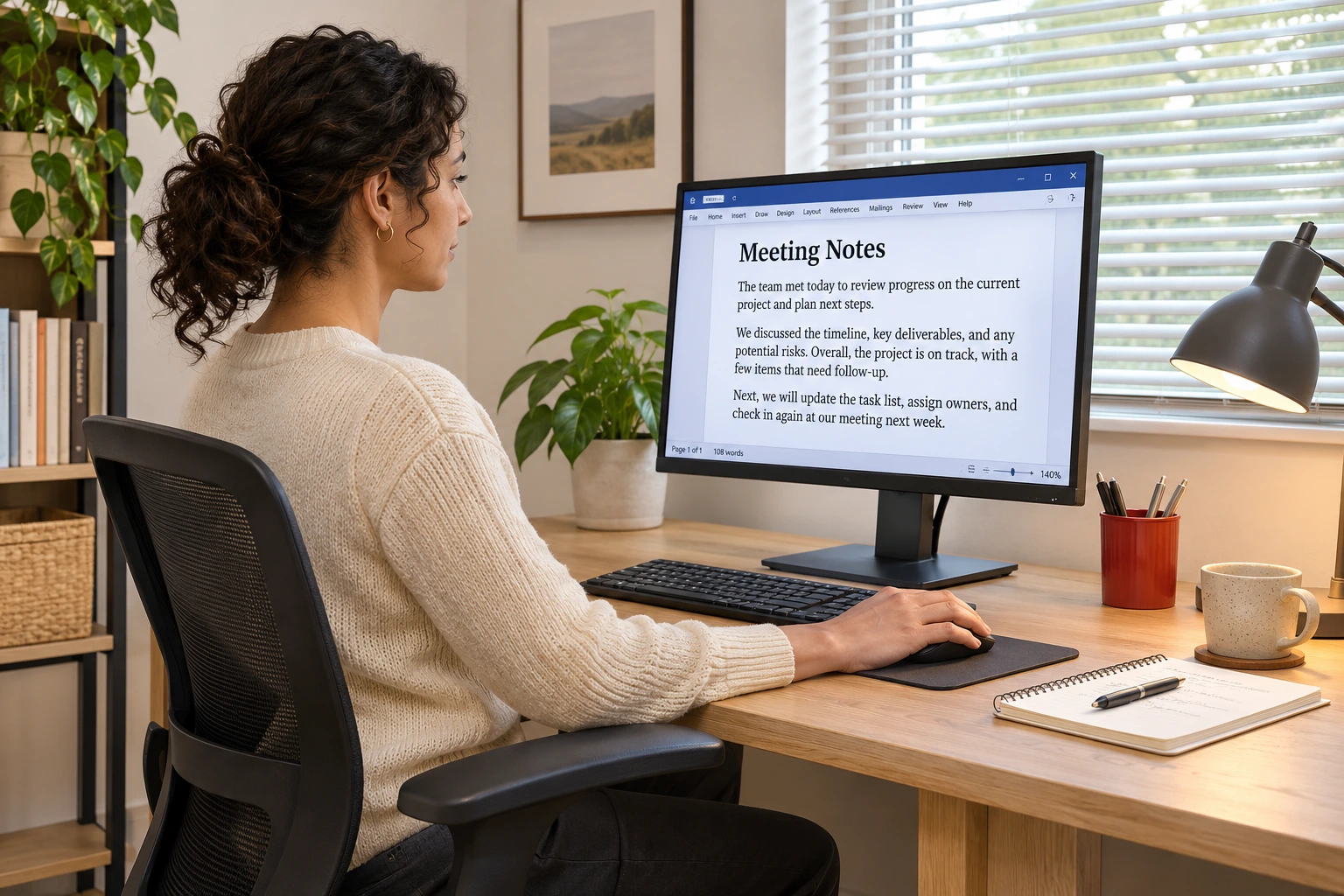
You shouldn’t have to lean forward to finish every sentence. Change the display before settling into another long session.
| Adjustment | What to Do |
|---|---|
| Text size | Enlarge text until you can read it comfortably from your seated position |
| Brightness and contrast | Choose levels that feel comfortable in the room |
| Reflections | Move the monitor, adjust blinds, or reposition a lamp |
| Monitor height | Keep the top of the screen at or slightly below eye level |
| Viewing distance | Start around an arm’s length away and adjust for comfortable reading |
There isn’t one brightness percentage that suits every room. Check the screen when the lighting changes, especially if sunlight reaches your desk later in the day.
If larger text still looks blurry, arrange an eye exam. Ask whether your current glasses suit the distance between your eyes and monitor. Task-specific prescription glasses help some people, but a blue-light filter doesn’t replace accurate correction.
4. Treat Dryness With the Right Approach
Artificial tears are lubricating eye drops used for dry eyes. They can help when dryness contributes to tired, irritated eyes, but they don’t correct a focusing problem.
Ask your eye care professional which formulation fits your symptoms. If you wear contacts, check whether the drops are suitable while your lenses are in. Follow the label and your clinician’s directions rather than assuming every lubricating drop works with every lens.
Avoid choosing drops solely to make your eyes look less red. Redness-removing drops can worsen dry-eye symptoms.
A guide to making contacts more comfortable can help you review wear time and care habits. If you’re comparing contacts for dry eyes, ask for a fitting assessment before changing products.
When a Warm Compress Fits
A warm compress can help dry eyes associated with meibomian gland dysfunction. These glands sit in your eyelids and release oil into the tear film. Problems with that oil layer contribute to tears drying too quickly.
A clinical review found symptom improvement with repeated warm-compress use, although devices and treatment schedules varied. This addresses a particular dryness mechanism, rather than every cause of eye strain.
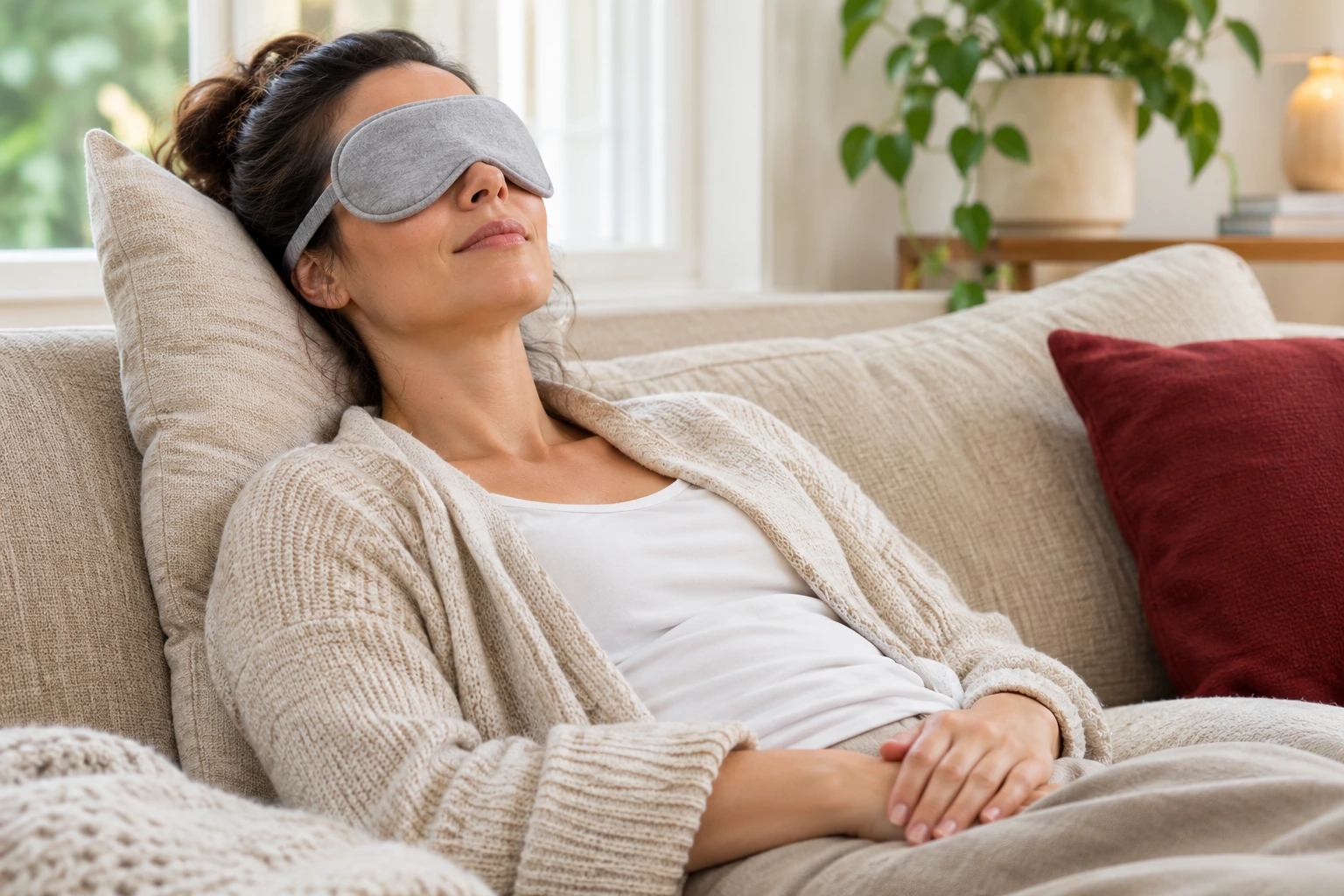
Use a compress intended for the eyes and follow its heating instructions. Keep it comfortably warm, avoid excessive heat, and ask your clinician about timing. Don’t press or squeeze your eyes.
5. Check Your Prescription and Lens Routine
If you keep squinting or struggling to refocus, an eye exam can check for prescription errors and problems with focusing or coordination between your eyes. Tell your clinician what you do when symptoms begin, including the device and working distance.
Bring your current glasses and contact lens details. Knowing how to read your contact lens prescription can help you identify the information to bring. Order prescription contact lenses that match the finalized prescription.

Match the Discussion to Your Needs
If dryness accompanies astigmatism, ask about both concerns during the fitting. You can compare contacts for dry eyes and astigmatism after your clinician identifies suitable options.
Replacement schedule is another topic to discuss. Daily disposable contact lenses follow a different replacement routine from reusable lenses. A change in schedule still needs to fit your prescription and eyes.
Follow your prescribed wear and replacement instructions. Learning about problems associated with wearing contacts too long can help you recognize when a long workday is stretching your routine.
When Should You See an Eye Doctor?
Book an appointment if discomfort, headaches, or vision changes continue despite self-care. Describe when the symptoms start, whether they affect one or both eyes, and what happens after a break.
Contact lens wearers should remove their lenses and call an eye doctor immediately for symptoms such as
- Worsening eye pain, including pain after lens removal.
- Light sensitivity.
- Sudden blurry vision.
- Unusual watering or discharge.
- Irritated, red eyes.
If dryness makes screen time uncomfortable, browse contacts for dry eyes and ask your eye doctor which option fits your prescription and tear-film needs.
FAQs about eye strain relief
How quickly should eye strain improve?
Symptoms can settle after you stop the tiring activity, but there isn’t a fixed recovery time. In a study of 29 symptomatic computer users, symptoms improved during two weeks of screen-break reminders, without corresponding improvement in measured tear-film outcomes. That finding doesn’t establish how quickly an individual should feel relief. Arrange an examination if discomfort persists or keeps returning.
Can eye strain happen without screen use?
Yes. Reading, other prolonged close work, and long-distance driving can tire your eyes. The discomfort can involve dryness, focusing effort, or problems with how your eyes work together. Tell your clinician which activities trigger symptoms and whether your current glasses or contacts help.
What are the best eye drops for eye strain?
There isn’t one best drop for every cause of eye strain, but artificial tears can help when dryness contributes. In a small study, 30 symptomatic digital-device users reported improvement after using preservative-free artificial tears four times daily for one month. The study had no comparison group, so it doesn’t establish a best formulation or a dosing schedule for everyone. Ask your eye care professional which drops suit your symptoms and whether you can use them with your contacts.
Are daily contacts better for tired eyes?
A daily replacement schedule alone doesn’t establish whether a lens will suit your eyes. Your prescription, lens fit, tear film, and wearing routine also need assessment. The research reviewed here doesn’t establish that daily disposables outperform reusable lenses for eye strain. If your clinician recommends dailies, compare daily contacts for dry eyes to prepare questions about suitable prescribed options.
Can eye strain cause dizziness?
Don’t assume eye strain explains dizziness. The research reviewed here doesn’t establish a causal link or a percentage of people whose dizziness comes from eye strain. Discuss new or recurring dizziness with a healthcare professional, and mention any accompanying blur, headaches, or difficulty focusing.
This content is for general information and isn’t a substitute for professional advice, diagnosis, or treatment.
References
Centers for Disease Control and Prevention. Preventing Eye Infections When Wearing Contacts. https://www.cdc.gov/contact-lenses/prevention/index.html. Accessed November 18, 2026.
Centers for Disease Control and Prevention. What Causes Contact Lens-related Eye Infections. https://www.cdc.gov/contact-lenses/causes/index.html. Accessed November 18, 2026.
Cleveland Clinic. Eye Strain. https://my.clevelandclinic.org/health/diseases/21059-eye-strain. Updated July 14, 2023. Accessed November 18, 2026.
Cochrane Database of Systematic Reviews. Blue-light filtering spectacle lenses for visual performance, sleep, and macular health in adults. https://doi.org/10.1002/14651858.CD013244.pub2. Published August 18, 2023. Accessed November 18, 2026.
Contact Lens and Anterior Eye. The effects of breaks on digital eye strain, dry eye and binocular vision: Testing the 20-20-20 rule. https://doi.org/10.1016/j.clae.2022.101744. Published April 2023. Accessed November 18, 2026.
Mayo Clinic. Eyestrain. https://www.mayoclinic.org/diseases-conditions/eyestrain/diagnosis-treatment/drc-20372403. Accessed November 18, 2026.
National Eye Institute. Dry Eye. https://www.nei.nih.gov/eye-health-information/eye-conditions-and-diseases/dry-eye. Updated August 6, 2025. Accessed November 18, 2026.
Ophthalmology and Therapy. Evidence-Based Strategies for Warm Compress Therapy in Meibomian Gland Dysfunction. https://doi.org/10.1007/s40123-024-00988-x. Published July 11, 2024. Accessed November 18, 2026.
Optometry and Vision Science. 20-20-20 Rule: Are These Numbers Justified? https://doi.org/10.1097/OPX.0000000000001971. Published January 1, 2023. Accessed November 18, 2026.
The Ocular Surface. TFOS Lifestyle: Impact of the digital environment on the ocular surface. https://doi.org/10.1016/j.jtos.2023.04.004. Published April 14, 2023. Accessed November 18, 2026.