Table of Contents
Super Bowl 2026 (LX) is almost here, and a watch party usually means one thing: long screen time from pregame to the final whistle. With the commercials, halftime show, and nonstop highlights, it is easy to spend hours in front of a TV or computer without noticing how much your eyes are working.
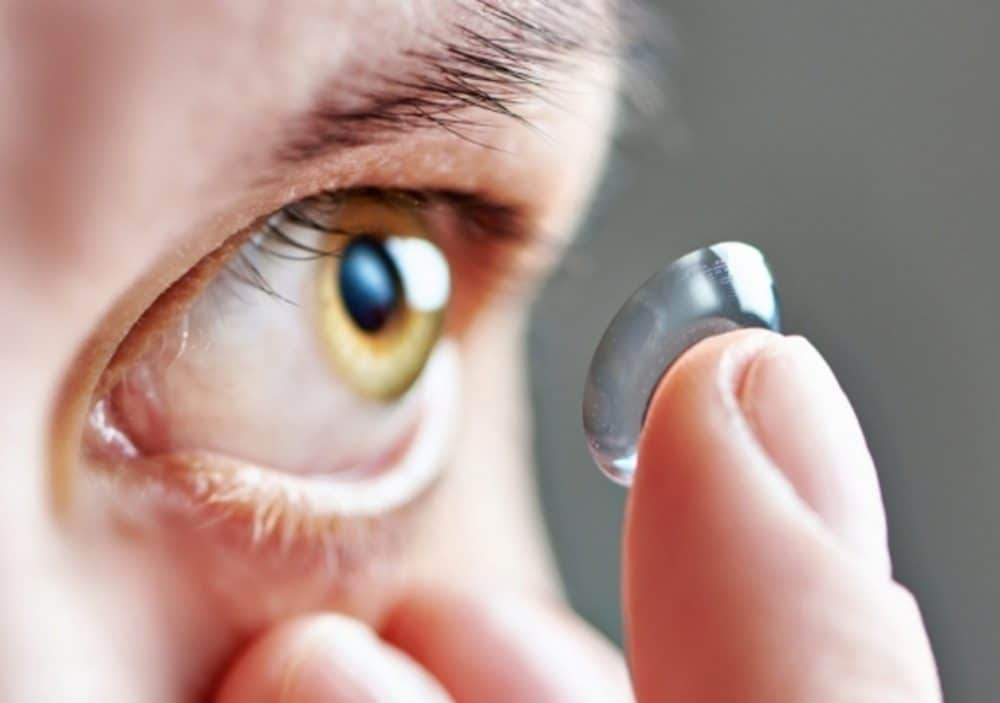
If you wear contact lenses, long screen time can make your eyes feel dry and uncomfortable. This guide pairs Super Bowl details with practical contact lens comfort tips, so you can enjoy the game while staying ahead of contact lens dry eyes.
What is the Super Bowl?
The Super Bowl is the National Football League championship game, played each year between the American Football Conference champion and the National Football Conference champion to decide the season’s top team. It began in 1967 as the AFL–NFL World Championship Game (created after the 1966 merger agreement). The name ‘Super Bowl’ was adopted in 1969, and the leagues fully merged in 1970. Today, it is one of the biggest sports events in the US, known for its high stakes matchup, halftime show, and major commercials.
Super Bowl 2026 Viewer Guide
Super Bowl LX is a big event, and the basics are easy once they are in one place. Here are the quick answers most people search for first:
Where will the 60th Super Bowl 2026 be held?
Super Bowl LX will be played at Levi’s Stadium in Santa Clara, California. That puts the game in the San Francisco Bay Area, so expect heavy event traffic around Santa Clara and San Jose. If you are going in person, check the stadium site for official event info and entry guidance before you head out.
When will the Super Bowl 2026 be played?
Super Bowl LX is scheduled for Sunday, February 8, 2026. Kickoff is listed for 6:30 pm Eastern, with pregame coverage starting earlier in the day. In the US, it will air on NBC and stream on Peacock, with Spanish language coverage on Telemundo and Universo.
Which teams are competing in the Super Bowl 2026?
The matchup for Super Bowl LX is the Seattle Seahawks vs the New England Patriots. This is the official Super Bowl pairing for the 2025 season champions, so you can use it confidently for game day planning content. If you are sharing ticket or travel info, point readers to official channels since resale listings and prices can shift quickly.
Who is performing the Super Bowl 2026 halftime show?
Bad Bunny is announced as the Super Bowl LX halftime headliner. Additional guest performers, if any, are typically confirmed closer to game week, so it is smart to phrase updates as announcements. For the cleanest accuracy, link to the NFL announcement when you publish the section.
How to Watch Super Bowl 2026
Watching Super Bowl LX is pretty straightforward, but the best option depends on whether you have cable, a streaming subscription, or just an antenna. Super Bowl LX is at Levi’s Stadium on Sunday, February 8, 2026, with kickoff set for 6:30 p.m. ET (3:30 p.m. PT).
Quick Ways to Watch
- Over The Air (No Cable): Watch on NBC using a digital antenna in most areas.
- Streaming: Peacock is expected to carry the live stream.
- Spanish Language: Look for coverage through NBC’s Spanish language partners listed for the broadcast.
Super Bowl 2026 Tickets and Costs
Super Bowl tickets are high demand, high price, and heavily targeted by scammers, especially close to kickoff. The safest approach is to start with official sources, then use only well known, verified resale if you must.
Where To Buy Tickets More Safely
- Official Hospitality Provider: Sells official Super Bowl ticket packages and experiences (typically premium, with verified tickets and hospitality options).
- Official Venue or Event Page: Use Levi’s Stadium’s Super Bowl event page to confirm timing, entry policies, and official ticket-package links.
- NFL Fan Events: For experiences like the Super Bowl Experience, use official NFL event pages for dates, pricing, and purchase links.
What Costs to Expect
Instead of trusting a random average ticket price screenshot, treat prices as a range that changes daily. Your final cost depends on seat location, whether it is standard entry or a package, and whether you buy early or closer to kickoff.
Why Contacts Feel Dry During Long Screen Time
Long games and long screen sessions are a perfect setup for contact lens dry eyes, even if your lenses usually feel fine. The main issue is not that something is wrong with your eyes. It is that screen focus changes how your eyes behave, and contact lenses notice that fast.
You blink less when you are locked in
When you are watching a close game, your blink rate drops. Less blinking means your tear layer breaks up faster, so the lens surface dries out and starts to feel scratchy. That is why contact lenses screen time discomfort often shows up in the second half.
Dry indoor air makes it worse
Watch parties often mean heating or air conditioning, plus people coming in and out. Dry air speeds up evaporation and can make dry eye contacts feel tight or gritty. If a vent is blowing toward your face, you will feel it even sooner.
Your lens type and fit can amplify dryness
Some people do better in daily contacts, especially during long viewing, because a fresh lens has less buildup. Others do fine with monthly contacts, but only if their cleaning routine is consistent and the lens matches their tear film. If your lenses always f
10 Dry Eye Fixes for Long Screen Time
Think comfort maintenance, not emergency rescue. If you are watching for hours, these are the easiest ways to support contact lens comfort and reduce contact lens dry eyes:
1. Do a blink reset every few minutes
When you focus on a screen, you naturally blink less, so the tear layer breaks up faster and contact lenses start to feel dry. Every few minutes, do five slow, full blinks to recoat the lens surface and reduce that gritty feeling. This is one of the quickest ways to improve contact lens comfort without stopping the game.
2. Use the 20 20 20 rule during commercials
Looking up from the screen gives your eyes a break and helps you blink more normally. Every 20 minutes, look at something about 20 feet away for 20 seconds, especially during commercial breaks. It can reduce eye strain and support tear stability, which helps with contact lens dry eyes.
3. Keep vents and fans off your face
Direct airflow from heaters, air conditioning, or fans speeds up evaporation and dries the lens surface quickly. Angle vents away from your eyes and avoid sitting where air hits your face head on. This matters even more at watch parties because indoor air can already be dry.
4. Add humidity if the room feels dry
Dry indoor air makes tears evaporate faster, which is why contacts for dry eyes often feel worse in winter or air conditioned rooms. If you have a humidifier, run it near your viewing area to keep the air from getting too dry. Even a small increase in humidity can help your lenses stay comfortable longer.
5. Use contact safe rewetting drops when approv
If your eye doctor has approved drops, keep eye drops for contacts nearby and use them at the first sign of dryness. Drops labeled safe for contact lens wear are designed to work with lenses without coating them in a way that causes blur. Avoid using drops that are not meant for lenses, since some can make irritation or blur worse.
6. Drink water and pace salty snacks
Hydration supports tear production and can help your eyes feel less dry over long viewing sessions. Salty snacks and alcohol can make you feel more dehydrated, which may show up as contact lens dryness later in the game. Keep water within reach and balance snacks with hydrating options.
7. Shorten wear time in the fourth quarter
Long wear time is a major reason lenses feel dry at the end of the day, even when everything else is perfect. If your eyes start feeling tired, switch to glasses for the last part of the game to give your eye surface a break. This simple change can prevent redness and discomfort that lingers into the next day.
8. Tighten your cleaning routine if you wear reusables
Reusable lenses can feel drier when deposits build up or when the cleaning routine is inconsistent. Use fresh contact lens solution each time, avoid topping off old solution, and keep your lens case clean and air dried between uses. Better contact care often makes a noticeable difference in comfort during long screen time.
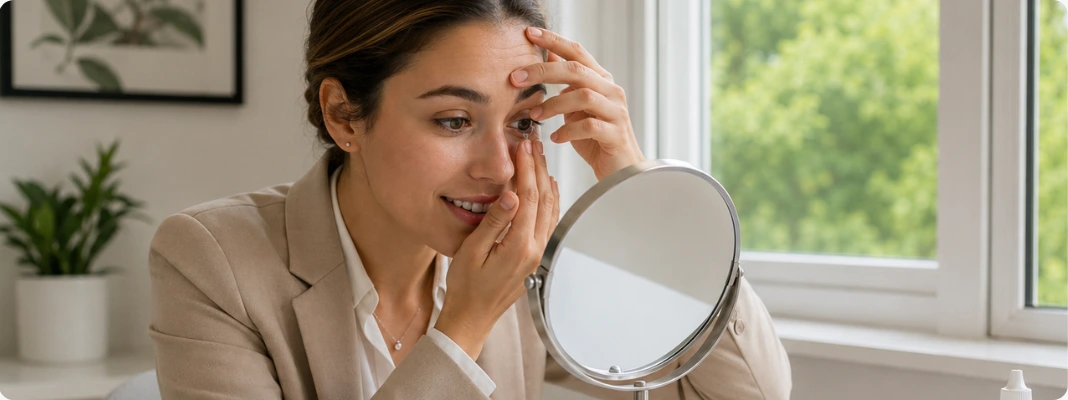
9. Remove and reset instead of rubbing if one lens feels scratchy
Rubbing can push debris under the lens and increase irritation, especially when your eyes are already dry. Wash and dry your hands, remove the lens, inspect it, and if it is reusable, rinse it with fresh solution before reinserting. If the lens still feels scratchy, switch to glasses and use a fresh lens later.
10. Switch to dailies for watch parties if dryness keeps happening
For many people, daily contact lenses feel more comfortable for long viewing because you start with a fresh lens and avoid buildup from repeated wear. Dailies also simplify hygiene since there is no nightly cleaning step that can be done poorly when you are tired. If screen time always triggers dryness, ask your eye doctor if daily contacts are a good fit for your prescription and routine.
Contact Lenses for Dry Eyes
If your eyes tend to feel dry during long screen time sessions, the best fix is not guessing in the aisle or switching brands randomly. It is asking your eye doctor a few specific questions so your contact lenses for dry eyes match your eyes, your schedule, and how you watch the game.
Shop Contact Lens for Dry Eyes
What to Do If Your Contacts Get Dry
If your lenses feel dry mid game, do not try to tough it out. Use a quick decision guide so you know what to do at the moment. The goal is to protect your eyes and get comfortable again fast.
| What You Feel | Try This Now | Switch To Glasses When |
|---|---|---|
| Mild dryness or lens awareness | Blink reset, look away from the screen, and use approved eye drops for contacts | Dryness returns every few minutes or keeps building |
| Gritty or scratchy feeling in one eye | Remove the lens and inspect it, then rinse with fresh contact lens solution if reusable | It still feels scratchy after reinserting or the lens looks damaged |
| Blur that does not clear with blinking | Remove the lens and check for debris or inside out fit | Vision stays blurry, you feel pain, or you notice worsening redness |
| Burning or stinging | Remove lenses and rest in glasses | Burning is strong, persists after removal, or comes with light sensitivity |
| Tight, dry feeling late game | Shorten wear time and switch to glasses | Your eyes feel tired or irritated and drops are not helping |
The One Rule That Prevents Most Problems
If your eyes feel worse after trying one simple comfort fix, stop and remove your lenses. Pain, worsening redness, or vision changes are not part of normal contact lens comfort issues, and it is always safer to switch to glasses and check in with your eye doctor if symptoms do not improve.
Do Contacts Help With Screen Time
Contact lenses can work well for long viewing, but they do not automatically solve screen related dryness. For some people, lenses feel more convenient than glasses during a watch party, yet contact lenses screen time can still trigger dryness because you blink less and the tear layer breaks up faster. The real comfort boost usually comes from the right lens type, a good fit, and habits that protect your tear film.
When contacts can feel better than glasses
- You get a wider field of view and less fogging when the room is warm or crowded
- You avoid pressure points from frames if you are on the couch for hours
- A fresh pair of daily contacts may feel smoother than rewearing a reusable lens late in the day
When contacts can feel worse during long screen sessions
- Dry indoor air and vents can dry out the lens surface fast
- If you already have dry eye contacts issues, long viewing can push you into irritation sooner
- If you are wearing a lens that is not ideal for your tear film, you may get end of game dryness even with good contact care
A simple way to make contacts work better for game day
If long viewing always makes your eyes feel dry, ask your eye doctor about trying daily contact lenses for watch parties or adjusting your lens material for better comfort. Also make sure your routine is solid, especially if you wear monthly contacts and rely on contact lens solution and a clean case every night. Small changes in lens choice and wear habits often matter more than forcing it through discomfort.
When to See an Eye Doctor
Mild dryness after long screen time is common, but certain symptoms are a sign to stop wearing lenses and get professional guidance. If you are unsure, it is safer to remove your contacts and switch to glasses until you know what is going on. A quick check can prevent a small irritation from turning into a bigger problem.
Stop wearing contacts and get help soon if you notice
- Eye pain that is sharp or getting worse
- Worsening redness that does not settle after removing lenses
- Discharge, crusting, or a sticky feeling
- Light sensitivity that feels new or intense
- Blurry vision that does not clear after you blink or remove the lens
Call the same day if you cannot remove a lens safely
If a lens feels stuck, do not dig or force it out. Your eyes may be too dry, or the lens may be folded and harder to grasp. Use approved rewetting drops if your doctor has okayed them, wait a minute, and try again, then call your eye doctor if it still will not come out.
If dryness keeps happening at every game or long screen night
That pattern usually means your contact fitting or lens type needs an update, not that you need to push through. Ask about options designed for comfort, including daily disposable contacts, and mention any dryness triggers like heating, air flow, or long work screen days. The goal is a setup that stays comfortable, not a routine that depends on constant rescue.
Contact Lens for Comfortable Screen Time
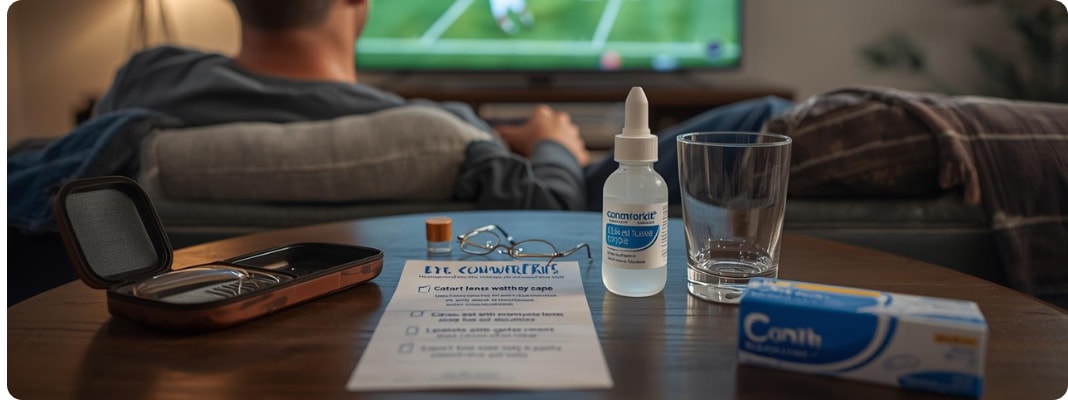
Long Super Bowl viewing sessions can be tough on contact lens comfort, especially when screen time lowers your blink rate and dries out your tear film. The best game plan is simple: set up your space, keep a few comfort tools nearby, and know when it is smarter to switch to glasses.
Ready to stock up before the big game? Shop contact lenses by brand and prescription so you can keep a fresh supply on hand for long watch days.
Contact Lens Comfort Tips for Long Screen Time FAQs
Why do my contacts feel dry during long screen time?
Screen time often lowers your blink rate, which can make your tear film evaporate faster. That can cause a gritty feeling and blur that improves after blinking. Simple changes like purposeful blinking, breaks, and contact safe drops can make a noticeable difference.
Do rewetting drops really help, and which ones should I use?
Yes, contact safe rewetting drops can help when dryness starts during a long watch. Use drops labeled for contact lenses and follow the product directions, since not every eye drop is lens safe. If you need drops frequently or they barely help, it is worth asking your eye doctor about fit or lens options.
My vision gets blurry, then clears after blinking. Is that normal?
That pattern often points to dryness because blinking briefly refreshes the tear layer over the lens. If it keeps happening, try drops and a short break from the screen, then see if it settles. If blur does not clear or comes with pain or redness, remove lenses and contact an eye doctor.
Is it better to wear daily contacts or monthly contacts for dry eyes?
Many people find daily disposables feel more comfortable for long days because you start with a fresh lens and skip solution buildup. Monthly lenses can still work well, but they depend more on consistent cleaning and the right solution for your eyes. Your eye doctor can recommend what fits your prescription and dryness pattern.
Can I use saline to fix dry contact lenses?
Sterile saline is usually meant for rinsing when a product specifically says it is appropriate, not for cleaning or disinfecting. It does not replace rewetting drops and it does not disinfect lenses. If your eyes feel dry, use drops labeled safe for contacts and follow your prescribed care routine.
What is the safest way to handle a lens that feels off in one eye?
If one lens suddenly feels scratchy or wrong, remove it and inspect it for tears, debris, or being inside out. If you wear dailies, discard it and use a new lens; if you wear reusables, rinse with fresh solution as directed and reinsert only if it feels normal. If discomfort continues, stop wearing contacts and contact your eye doctor.
Does drinking water prevent dry eyes while wearing contacts?
Hydration supports overall tear production, but it usually does not fix screen related dryness on its own. It is still worth keeping water nearby, especially during long viewing sessions. The fastest improvements usually come from blinking more, reducing airflow to your face, and using lens safe drops.
Do ceiling fans and vents really make contacts feel drier?
Yes, moving air can speed up tear evaporation and make your lenses feel dry faster. If possible, aim vents away from your face and avoid sitting directly under a fan. Small setup changes can reduce symptoms without changing your prescription.
Can I wear contacts the entire day on Super Bowl Sunday?
It depends on your lenses, your eye health, and your doctor’s recommended wear schedule. Many people do fine with normal wear time, but dryness can build faster on screen heavy days. If comfort drops off, switching to glasses for the second half is often the simplest fix.
When should I stop wearing contacts and get medical help?
Remove contacts right away if you have significant redness, pain, light sensitivity, discharge, or sudden vision changes. Those symptoms are not typical dryness and need prompt evaluation. When in doubt, keep the lenses out and contact an eye doctor for guidance.
Disclaimer: This information is for general informational purposes only and is not a substitute for professional advice, diagnosis, or treatment.
References
Preventing Eye Infections When Wearing Contacts. Centers for Disease Control and Prevention. https://www.cdc.gov/contact-lenses/prevention/index.html. Accessed January 30, 2026.
Preventing Vision Loss. Centers for Disease Control and Prevention. https://www.cdc.gov/vision-health/prevention/index.html. Accessed January 30, 2026.
Dry Eye. National Eye Institute. https://www.nei.nih.gov/eye-health-information/eye-conditions-and-diseases/dry-eye. Accessed January 30, 2026.
Computer Vision Syndrome (Digital Eye Strain): What It Is. Cleveland Clinic. https://my.clevelandclinic.org/health/diseases/24802-computer-vision-syndrome. Accessed January 30, 2026.
The Relationship Between Dry Eye Disease and Digital Screen Use. Zaina Al-Mohtaseb et al. (PubMed Central, National Library of Medicine). https://pmc.ncbi.nlm.nih.gov/articles/PMC8439964/. Accessed January 30, 2026.
NFL+: How to watch Super Bowl LX, Pro Bowl details, schedule, and more. Mia Fowler (NFL.com). https://www.nfl.com/news/nfl-how-to-watch-super-bowl-lx-pro-bowl-details-schedule-and-more. Accessed January 30, 2026.
Super Bowl locations, dates for 2026. FOX Sports. https://www.foxsports.com/stories/nfl/super-bowl-locations-dates. Accessed January 30, 2026.
Super Bowl Locations: Where will the Super Bowl be played in 2026? Nate Ryan (NBC Sports). https://www.nbcsports.com/nfl/news/super-bowl-locations-where-will-the-super-bowl-be-played-in-2026-2027-2028-and-beyond. Accessed January 30, 2026.
How to watch 2026 Super Bowl: TV info, schedule, kickoff for New England Patriots vs. Seattle Seahawks. NBC Sports. https://www.nbcsports.com/nfl/news/how-to-watch-2026-super-bowl-tv-info-schedule-kickoff-new-england-patriots-seattle-seahawks-nbc-peacock. Accessed January 30, 2026.
Super Bowl LX Fan Ticket Packages On Sale Now. Levi’s Stadium. https://www.levisstadium.com/news/super-bowl-lx-fan-ticket-packages-on-sale-now/. Accessed January 30, 2026.